


As requested, here is a step by step guide to adding attachments to a thread, by using the attachment button.
What this gives you the ability to do, is add attachments at any part of a thread / post your creating, rather than have all the attachments listed one after another at the end of the thread.

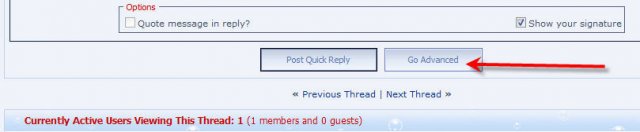
First and foremost, this feature is not available via the quick reply box, you have to click on " Go Advanced" to use this function.
What this gives you the ability to do, is add attachments at any part of a thread / post your creating, rather than have all the attachments listed one after another at the end of the thread.
First and foremost, this feature is not available via the quick reply box, you have to click on " Go Advanced" to use this function.
- Click on Go Advanced
- Compose your post in the normal manner
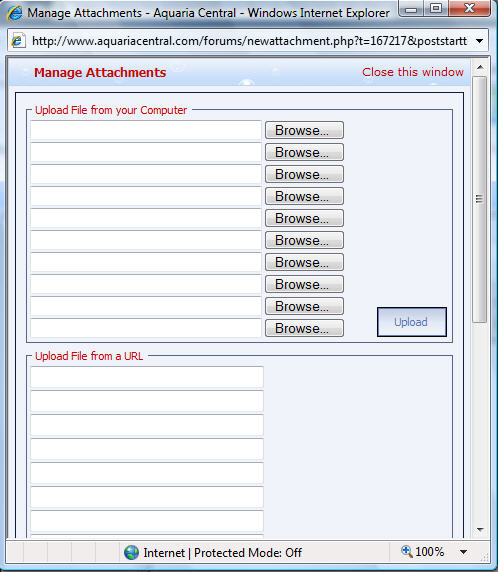
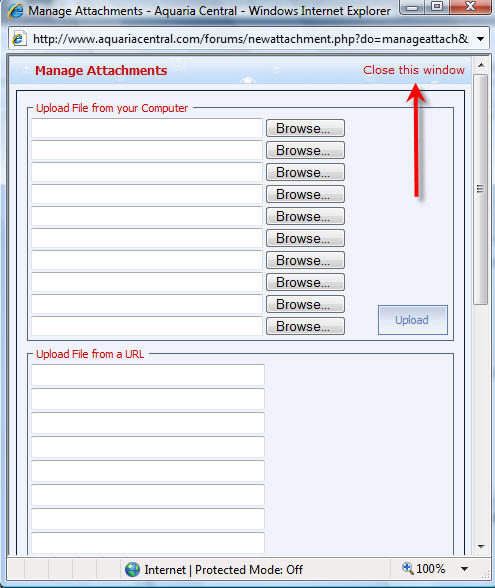
- Click on the Attachments button and a new box will pop-up.
New popup box.
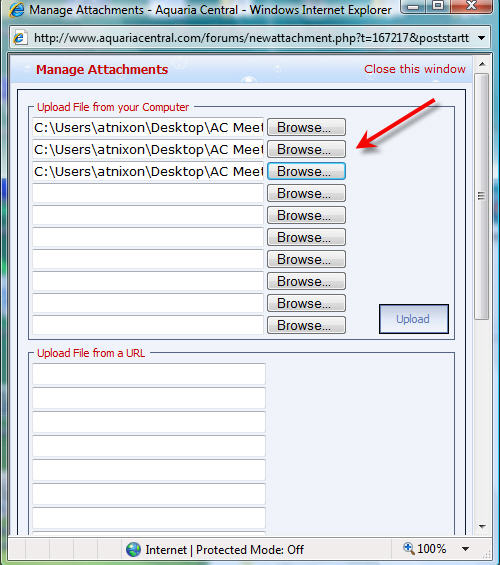
- Add your picture files, as required by using the browse button.
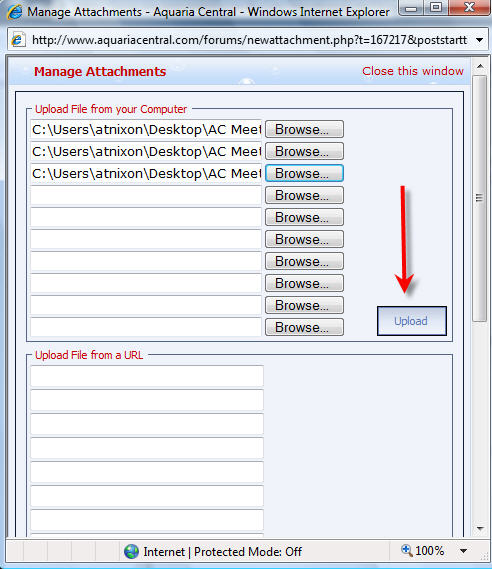
- Click on Upload
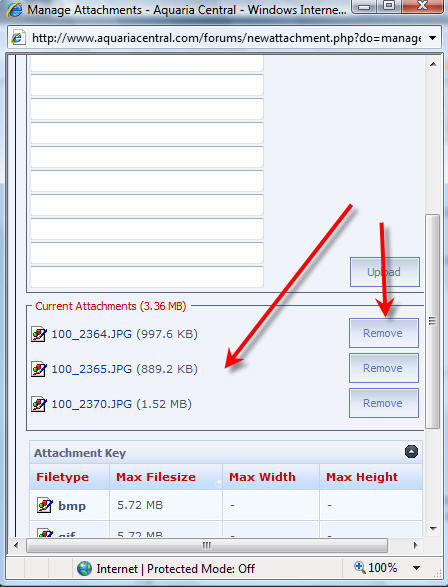
- Once the pictures have been uploaded, you can view / remove the attached pictures by scrolling down on the Attachments popup box before closing.
- When finished checking your attachments, click on Close This Window
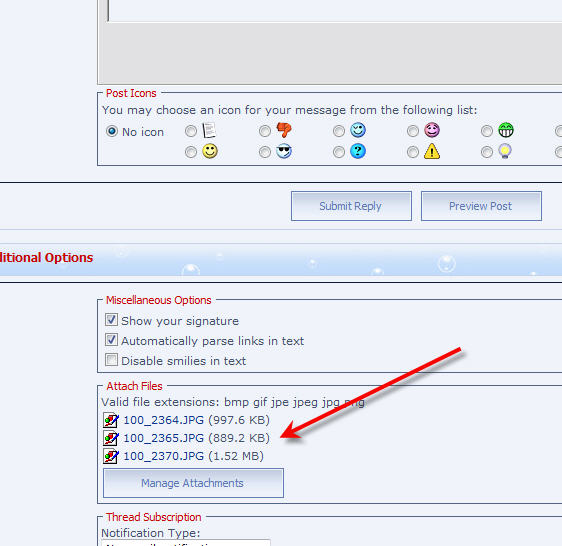
- You can always go back and check / add / remove attachments after you have closed the box by scrolling down below the main post box.
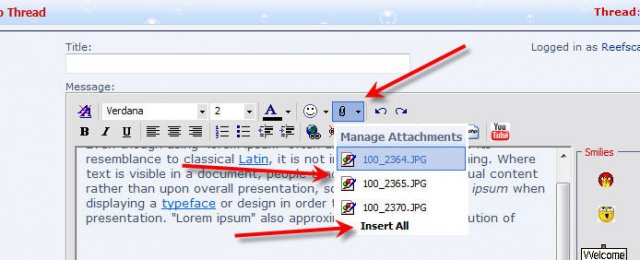
- Now is the time to go and add your pictures to the thread. Click with your mouse pointer in the position in your post where you want to insert one of the attachments, and click on the Attachments button.
- When you click on the Attachments button, you will see a pop out list of the attachments that you have just uploaded.
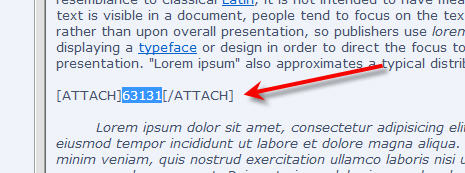
- Click on the attachment that you want to insert. You also have the ability to insert all attachments at the point in the post where your cursor is. When you add an attachment, you will see that it adds the attachment ID, and not the picture. You can see the picture, by clicking on Preview Post.
- Once you have added all the attachments, click on Submit Reply to post your thread, with pictures embedded in the post where you added them. If there are any unused pictures that you have uploaded, and not added, they will automatically be added to the end of the post.



